
Explore VR
Explore VR
What VR is, how people use it at home, and how to get started comfortably, at any age.
What VR actually is
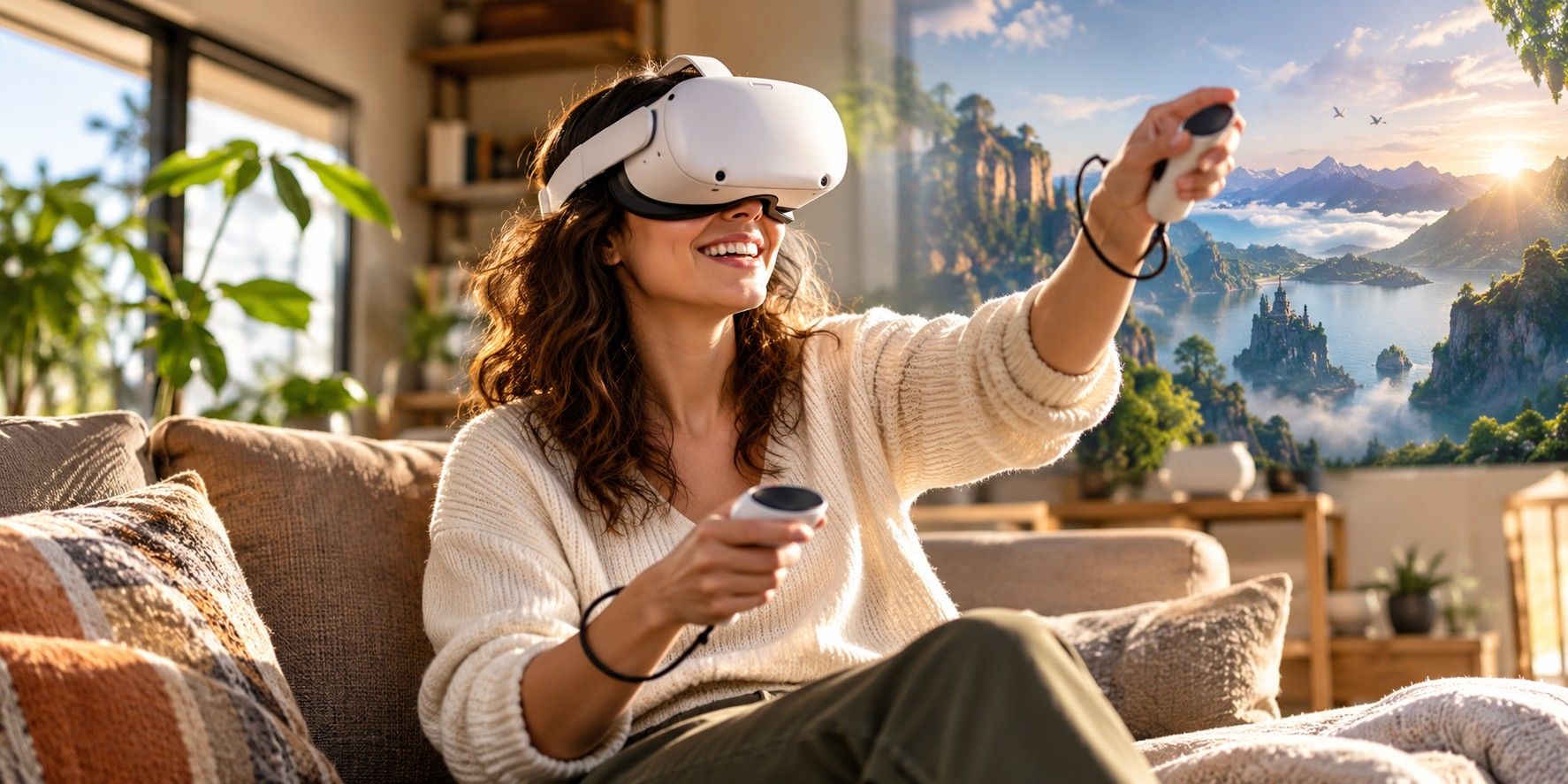
A VR headset places a screen in front of each eye and tracks how your head moves, so the picture shifts as you look around. It feels like being somewhere else. Some current headsets, including Quest 3 and 3S, can also show the room around you in colour through cameras (passthrough), so you can see your sofa, your coffee and the dog.
Most headsets for home use are standalone: the computer is inside the headset. Others plug into a games console or PC.
At home
How people use VR at home
- Games and play, from gentle puzzles to fast action.
- Watching films and sport on a very large virtual screen.
- Travel and nature: 360° video and virtual tours.
- Movement and fitness apps.
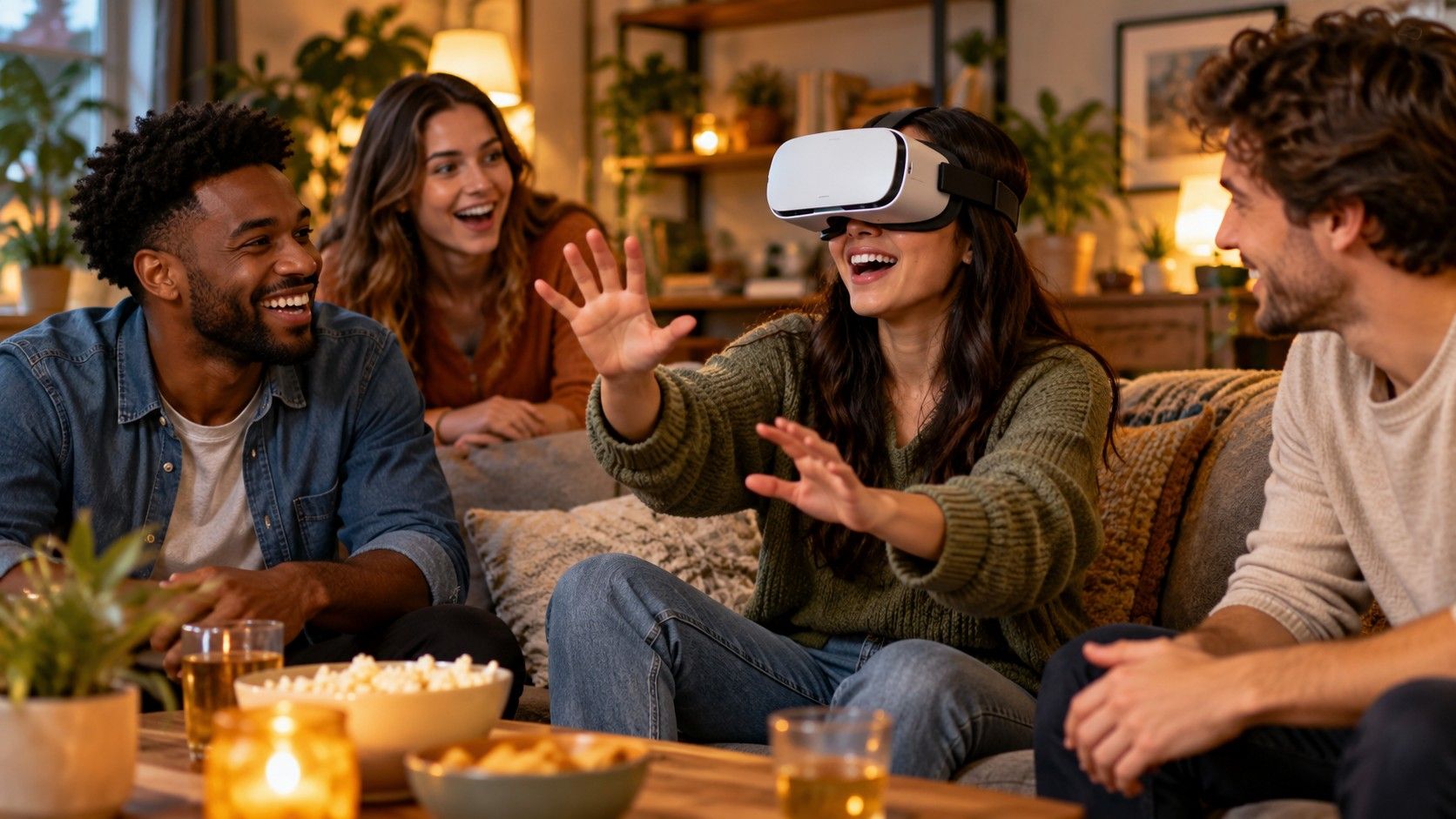
- Socialising: meeting friends and family in shared spaces.
- Relaxing: calm environments and guided breathing apps.
- Learning: interactive science, history and museum experiences.
These are uses, not health claims. If you're thinking about VR for therapy or rehabilitation, read what VR therapy actually means first.
Discover new worlds
Go somewhere without leaving the room
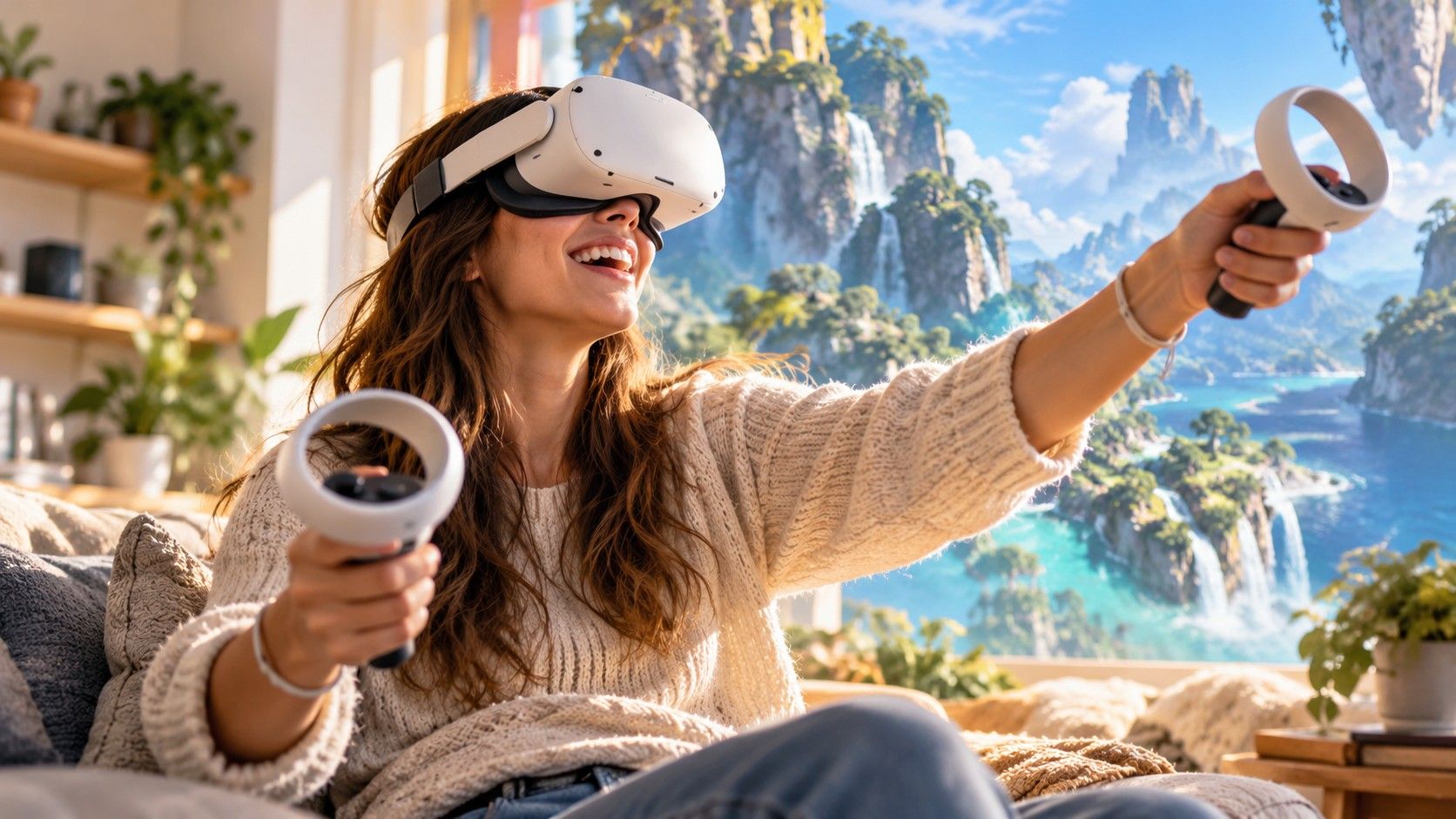
- 360° travel and nature video: look around a reef, a city square or a mountain track.
- Virtual museum and gallery visits, and interactive history and science.
- Games, from slow puzzles you can play seated to fast action.
Not every experience suits every set-up. Check whether an app supports seated play or hand tracking before you buy it.

Share the wonder
VR is better with company
- Take turns. A second person can help with fit, set-up and the first few minutes.
- Meet up in shared spaces. Social apps let family and friends in different places spend time together.
- Play together. Many games support more than one player.
If you share a headset, check each person's fit and lens spacing, and keep a face cover you can clean.
Relax and unwind
Quieter ways to use a headset
- Big-screen films and sport in a virtual cinema or lounge.
- Calm environments: beaches, forests and night skies to sit in.
- Guided breathing and relaxation apps.
These are everyday uses, not treatments. For anything health-related, see what the research says.
Get started · later in life
New to VR? Start here.
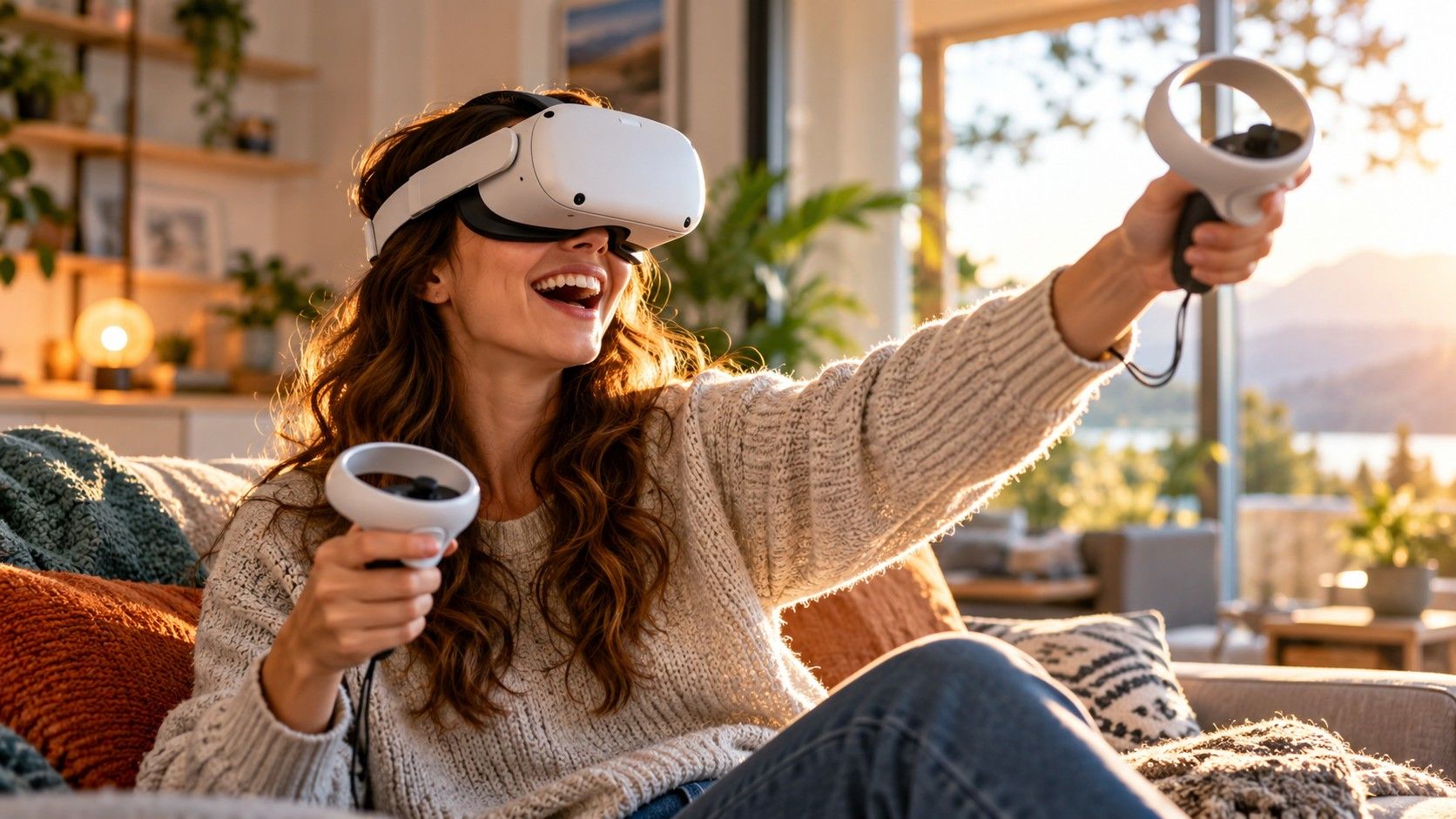
- Sit down for your first go. Some headsets have a seated or stationary mode, and sitting removes the worry about balance.
- Get the fit right before anything else. Strap, lens spacing and glasses all affect comfort and clarity.
- Start short. Apple suggests a break every 20 to 30 minutes, then adjusting to your comfort.
- Have someone help with setup the first time: accounts, Wi-Fi and the play area.
- Check the maker's health warnings, and ask your doctor first if you're prone to falls, seizures or motion sickness.

Comfort and safety basics
Five habits that make VR comfortable
- Clear the space. Sony's sitting and standing play areas need at least 1 m × 1 m; roomscale needs 2 m × 2 m.
- Set a boundary in the headset's setup so you can see when you're near the edge.
- Take breaks and stop if you feel unwell, dizzy or headachy.
- Mind the age rating. Apple says Vision Pro is designed for people 13 and over; check each maker's guidance.
- Read the health and safety warnings that come with the headset. They differ by maker.
Sources
- How to safely use your Apple Vision Pro — Apple
- How to change your PS VR2 play area on PS5 consoles — Sony Interactive Entertainment
- Set up your boundary for Meta Quest — Meta
- Quest 3S vs Quest 3 vs Quest 2 Compared with Detailed Specs — Road to VR