
Schools & education · Reviewed 29 October 2026
VR in schools: learning, inclusion and getting started.
For teachers, school leaders, learning support staff and families. What VR is used for in classrooms, what schools must consider for students with disability, and how to run a safe trial.
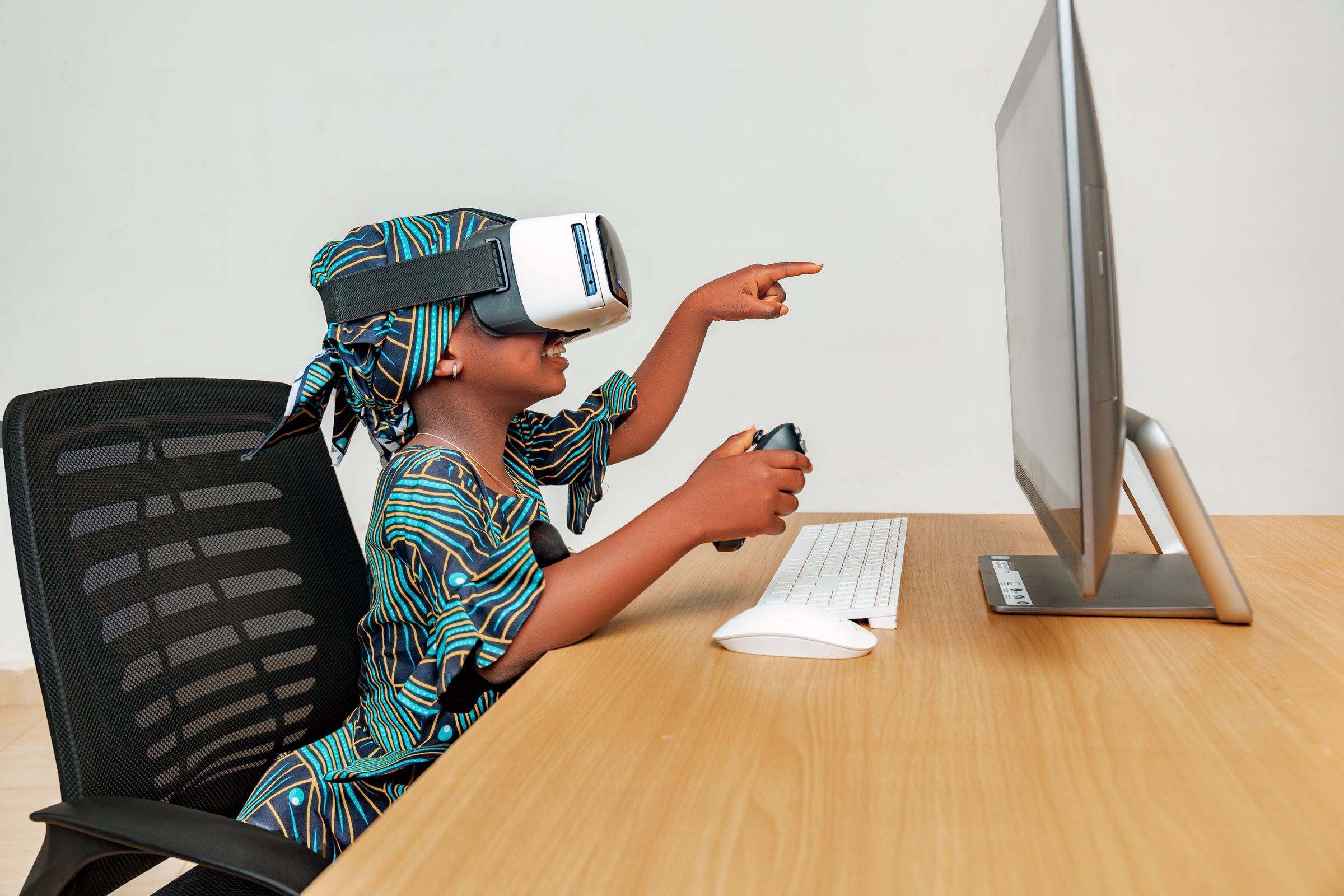
Learning in VR
- Schools use VR for immersive lessons, virtual excursions and hands-on practice that would be hard to stage in a classroom.
- A 2022 meta-analysis of 48 studies found a small overall effect of immersive VR on learning outcomes, which varied by education level and subject.
Sources: The potential of immersive virtual reality to enhance learning: a meta-analysis (2022) (Educational Research Review)
Students with disability
- The Disability Standards for Education 2005 apply to all education providers, public and private, from preschool to university.
- Schools must consult about how a student’s disability affects their education, and make reasonable adjustments. The Standards don’t require changes that would cause unjustifiable hardship.
- The NDIA says it can’t fund assistive technology that is more appropriately funded by other government services.
Sources: Fact sheet 2: Disability Standards for Education 2005 (Department of Education) · Assistive technology explained (National Disability Insurance Agency)
Safety, age and supervision
- Check each maker’s age guidance. Apple says Vision Pro is designed for people 13 and over; Meta requires an age-appropriate Meta account to use Quest.
- Clear the space and plan breaks. Sony’s sitting and standing play areas need at least 1 m × 1 m, and Apple suggests a break every 20 to 30 minutes.
- Read the maker’s health and safety warnings before students use a headset.
Sources: How to safely use your Apple Vision Pro (Apple) · Why you need to have the right Meta account for your age to use Meta Quest (Meta) · How to change your PS VR2 play area on PS5 consoles (Sony Interactive Entertainment)
Running a trial
- Start with one clear learning or participation goal, a small group and a supervised trial.
- Plan for students who can’t or don’t want to wear a headset, for example a shared screen.
- Agree on cleaning between users, how accounts are managed, and who stores and charges the devices.
- Check your school’s or department’s approval process for new devices and its privacy rules for student accounts.